lv666co App — Play Casino & Cricket Betting on Android
The lv666co app puts slots, live casino, Crash games and cricket betting on your Android phone. Deposit with bKash or Nagad in under a minute. Free to download, no app store needed.
Android 8.0+ · 32 MB · Free · Version 3.4.15
18+ · Play Responsibly
Point your phone camera at the QR code to download lv666co.apk directly. No Play Store account needed. Works on Android 8.0 and above.
App vs Browser: What Changes on Mobile
You can play lv666co on any browser, but the dedicated Android app gives you faster loading, push notifications for match results and bonuses, and a layout built for small screens. Here is what actually differs.
| Feature | lv666co App | Mobile Browser |
|---|---|---|
| Page load speed | Faster (cached assets) | Reloads each visit |
| Push notifications | Yes — bonus alerts & match updates | Not available |
| One-tap login (biometric) | Fingerprint / Face ID | Password each time |
| Works on slow 3G | Optimised for low bandwidth | Can lag on 3G |
| bKash / Nagad deposit | In-app redirect | Yes |
| Live casino streaming | Smooth HD stream | May buffer on older devices |
| Cricket live score sidebar | Always visible | Not available |
| Auto-update | In-app update prompt | Always latest version |
| Storage needed | 32 MB installed | Browser cache only |
| Offline mode | Cached lobby loads offline | Requires connection |
lv666co App: Six Things You Can Do Right Now
Open the app and every game category is one tap away. Here is what players in Bangladesh use most.
Slots from PG Soft, JILI & JDB
Play Monkey King, Mines, Tower, Ganesh Gold and over 3,100 slot titles. Minimum bet starts at ৳2. All games load from a single scrollable lobby, filtered by provider or type.
Live Casino with Real Dealers
Evolution and Playtech live tables — blackjack, roulette, baccarat — stream in HD inside the app. The cricket-themed dealer rooms are popular during IPL and BPL seasons. Bet from ৳5 upward.
Crash & Instant Games
Limbo, Tower and other Crash-style games run with no delay on the app. The multiplier display is easier to read on a phone screen than in a browser tab. Cash out before the crash — simple mechanics, real stakes.
Cricket & Football Betting
T20, ODI, BPL and IPL markets are listed with live odds. The app shows a live score strip at the top of every match page. Football 1X2, Asian Handicap and Over/Under all supported. See the Casino page for the full sports offer.
bKash & Nagad Deposits
Tap Deposit, pick bKash or Nagad, enter ৳500 minimum, and the money lands in your lv666co wallet in about 1 minute. The app opens the bKash/Nagad screen directly — no switching between apps manually.
24/7 Live Chat Support
The support button sits at the bottom of every screen in the app. Chat in English anytime — for deposit problems, bonus queries or account issues. Response time is usually under 2 minutes during peak hours.


System Requirements & Version Details
The lv666co app is a lightweight APK file. Most Android phones sold in Bangladesh since 2019 can run it without issues. Check the table before you download.
| Detail | Value |
|---|---|
| App version | 3.4.15 |
| File name | lv666co.apk |
| File size | 32 MB |
| Minimum Android | 8.0 (Oreo) |
| Last updated | 3 November 2026 |
| Price | Free |
| Language | English / Bangla |
| iOS support | Progressive Web App (Add to Home Screen) |
Install the lv666co APK on Android — 5 Steps
Android blocks APKs from outside the Play Store by default. You need to allow "unknown sources" once. The whole process takes about three minutes on a standard Bangladeshi mobile connection.
This file is scanned before each release. Only download from this page or the official lv666co domain.
-
01
Allow Unknown Sources
Go to Settings → Security → Install Unknown Apps and enable it for your browser or file manager. This is a one-time setting — you do not need to repeat it for future lv666co app updates. Android 10+ prompts you automatically when you tap the APK file.
-
02
Download the APK File
Tap the Download lv666co.apk button above. Your browser saves the file to the Downloads folder (32 MB, so it needs about 15 seconds on a standard 4G connection). Do not close the browser tab before the download finishes.
-
03
Open the File & Install
Open your notifications panel and tap lv666co.apk, or find it in Files → Downloads. Android shows an install prompt. Tap Install. It takes about 10 seconds. You can safely ignore the "unknown publisher" warning — the APK comes directly from lv666co.
-
04
Open the App & Log In
Find the lv666co icon on your home screen and tap it. Enter your registered email and password, or use fingerprint login if you set it up previously. New player? Tap Register inside the app — the signup form takes about two minutes to complete.
-
05
Deposit & Claim Your Bonus
Tap Deposit, choose bKash, Nagad, Rocket, Upay or Bank Transfer, and send at least ৳500. Your first deposit earns you a 220% welcome bonus up to ৳11,000. The money reaches your wallet in about 1 minute. Wagering requirement is 15×.
iOS Users: Add lv666co to Your Home Screen
There is no native iOS app. Instead, lv666co runs as a Progressive Web App (PWA) in Safari, which puts a shortcut on your home screen that behaves exactly like an installed app.
- Open Safari and go to https://lv666co.ws.
- Tap the Share button (the box with an arrow) at the bottom of the screen.
- Scroll down and tap Add to Home Screen.
- Change the name to "lv666co" if you like, then tap Add.
- The lv666co icon now appears on your home screen. Tap it to open — it loads full-screen without the Safari address bar, just like a native app.
This method works on iPhone iOS 11.3 and above. All game features, deposits and withdrawals work the same way.
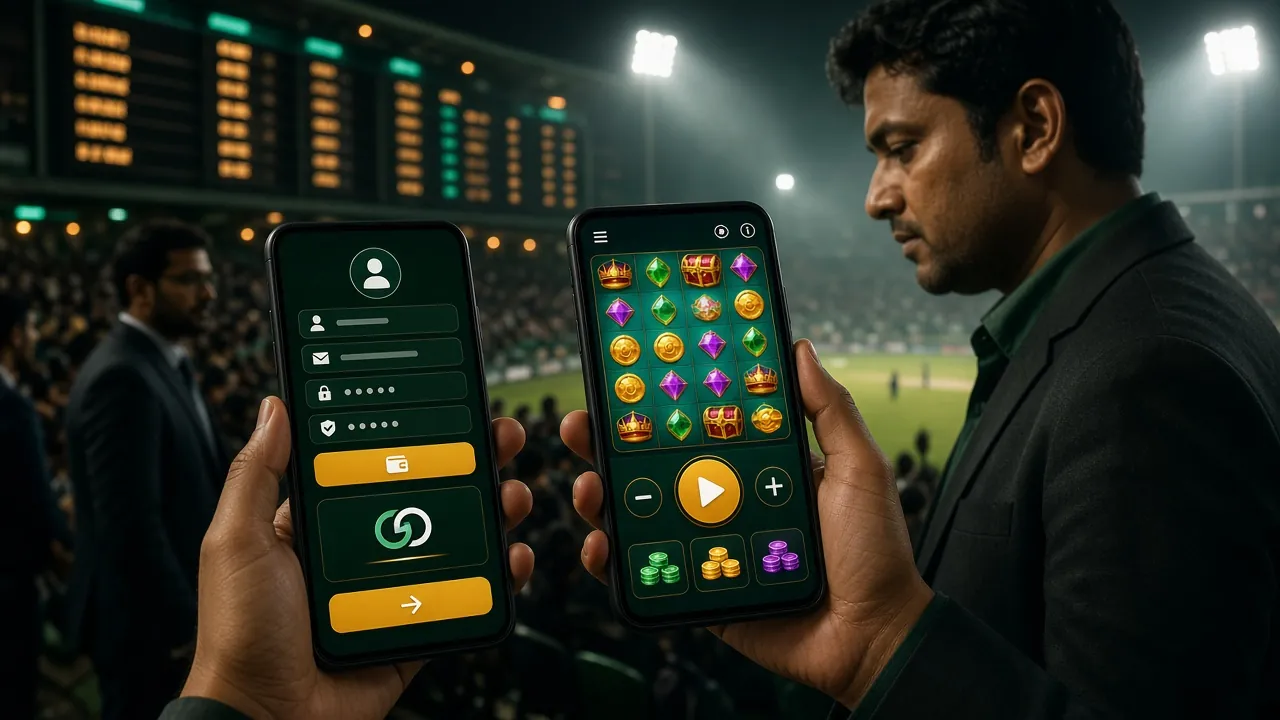
What the lv666co App Looks Like
- No registration in app store. Download lv666co.apk directly — no Google account needed, no waiting for review.
- Fast on 3G and 4G. The app is only 32 MB and caches game assets, so it loads quickly even on a Grameenphone 3G connection outside Dhaka.
- Push alerts for bonuses. You get a notification when your daily cashback (1.6%) is credited and when new promotions go live.
- Withdrawal in 34 minutes. Tap Withdraw, enter the amount (minimum ৳500, maximum ৳95,000 per day), and pick your Nagad or bKash wallet. Average processing time is 34 minutes.
File: lv666co.apk · 32 MB
Works on Android 8.0 and above
Safety & Permissions: What the App Needs and Why
The lv666co app asks for a small set of permissions. It does not access your contacts, SMS or storage beyond the game cache folder.
HTTPS Encrypted Connection
All data between the app and lv666co servers travels over TLS 1.3. Your account password, payment details and session tokens are never sent in plain text. The connection is verified on every app launch, not just at login.
No Camera or Microphone Access
The lv666co app does not request camera, microphone or location permissions. If Android shows a camera prompt, decline it — the app does not need it. KYC document upload uses a standard file picker, not a camera API.
Network & Internet Only
The app requests network access to load games and process payments. It does not read your Wi-Fi network name, contacts or call logs. You can verify this in Settings → Apps → lv666co → Permissions at any time after installation.
APK Integrity: Download from This Page Only
Third-party APK mirror sites sometimes modify files to include adware. Always download lv666co.apk from lv666co.ws. Each release is scanned before publishing. The file size is exactly 32 MB — a significantly different size means a tampered file; delete it and download again.
Install Problems & How to Fix Them
Most installation failures have simple causes. Find your error message below and follow the fix — it usually takes under two minutes.
| Problem | Likely Cause | Fix |
|---|---|---|
| "Install blocked" | Unknown sources permission not enabled for your browser or file manager | Go to Settings → Security → Install Unknown Apps, find your browser (Chrome, Firefox, etc.) and toggle it on. Then tap the APK again. |
| "Parse error" or "App not installed" | The APK file did not finish downloading or was saved in a corrupted state | Delete the partial file from your Downloads folder. Check that you have at least 64 MB of free storage. Download lv666co.apk again on a stable Wi-Fi connection and wait for the full 32 MB. |
| App installs but crashes on open | Android version below 8.0, or low RAM (less than 1 GB free) | Check Settings → About Phone → Android Version. If it is below 8.0, use the mobile browser version at lv666co.ws instead. For RAM issues, close all background apps before opening lv666co. |
| Games load slowly or freeze | Weak mobile data signal, or game cache needs clearing | Switch to Wi-Fi if possible. Inside the app go to Settings → Clear Cache. The cache is rebuilt on the next launch. This fixes most freezing issues on JDB and Evolution live games. |
| Cannot log in after install | Wrong email or password, or account not yet registered | Use the Forgot Password link on the login screen to reset by email. If you have not signed up yet, tap Register inside the app or visit lv666co Register. Contact [email protected] if your account is locked. |
lv666co App: Questions Players Ask
These are the most common questions about downloading and using the lv666co app in Bangladesh.